

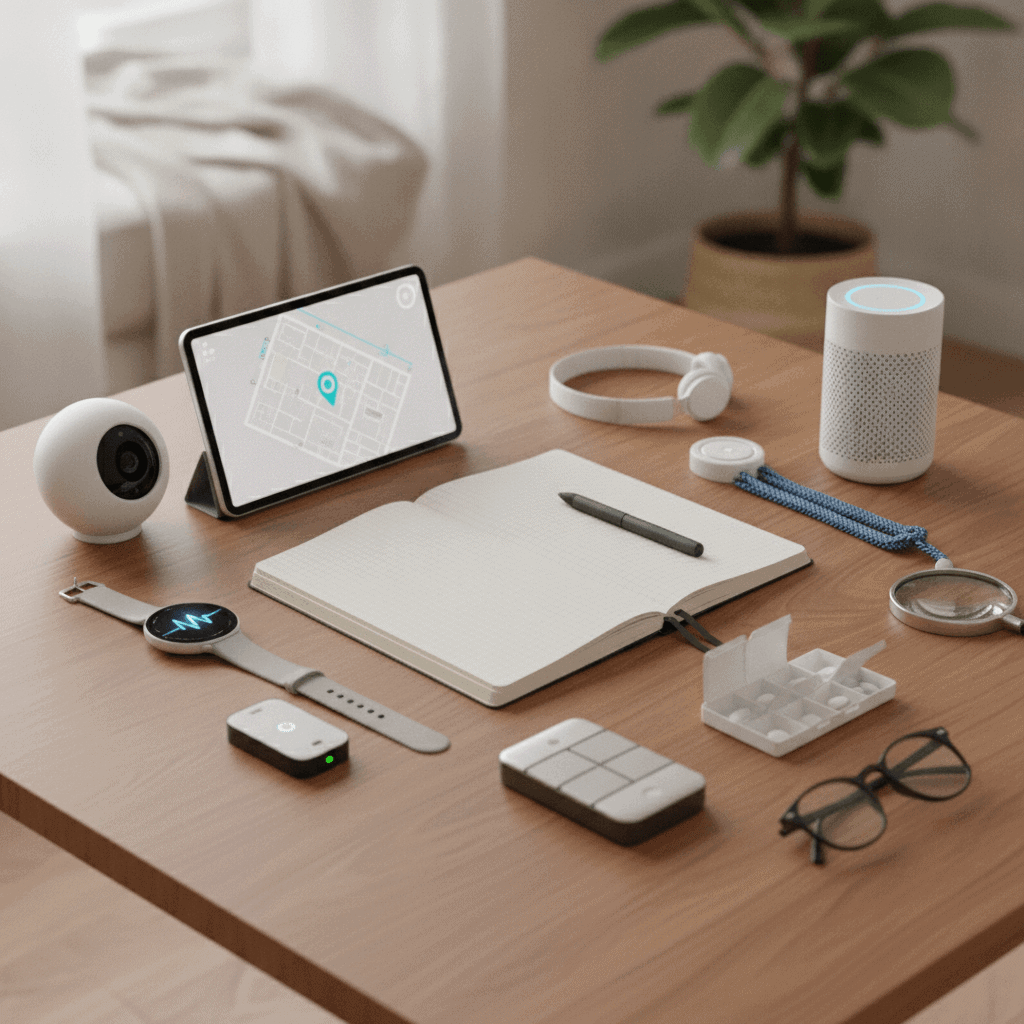
Caring for an aging parent or loved one brings a special set of concerns. We all want to make sure they are safe and independent in their homes. One way to help achieve this balance is through the use of senior monitoring devices. These tools can offer immense peace of mind for families and greater security for seniors themselves.
I have spent years observing the needs of older adults and the technologies designed to support them. There is a wide range of options available today but choosing the right one can feel overwhelming. This guide offers a clear checklist to help you navigate your options and find the best monitoring solution for your unique situation.
The goal is to empower seniors to maintain their independence while providing their families with assurance. We will look at what truly matters when picking out these important devices.
Understanding Different Types of Senior Monitoring Devices
When we talk about senior monitoring devices, we are actually looking at a broad category of technologies. Each type serves a different purpose and fits various lifestyles and health needs. Knowing the distinctions between them is the first step in creating your checklist for senior monitoring devices.
Some devices are designed for immediate emergencies, while others focus on daily wellness and routine tracking. It is important to match the device to the senior’s specific risks and habits. This way, you get a tool that truly helps without being intrusive.
For example, a very active senior might benefit more from a mobile GPS tracker. But someone with limited mobility might need a system that detects falls inside the home. My experience shows that a tailored approach works best.
Personal Emergency Response Systems (PERS)
Personal Emergency Response Systems are perhaps the most well-known type of monitoring device. These often involve a wearable button or pendant that a senior can press in an emergency. Once pressed, it connects them to a monitoring center or a designated family member. These systems are invaluable for sudden falls or medical events where quick help is needed.
Many PERS devices now include advanced features like automatic fall detection. This means the device can sense a fall and trigger an alert even if the senior cannot press the button. This adds a layer of protection that many families find essential. They provide a direct link to help when every second counts. Traditional PERS systems usually connect through a landline but modern versions use cellular networks.
Smart Home Monitoring Solutions
Smart home monitoring solutions are less about immediate emergency calls and more about subtle, continuous oversight. These systems use sensors placed around the home to learn a senior’s routines. For instance, motion sensors can track if someone gets out of bed at their usual time. Door sensors can indicate if they leave the house.
These devices can send alerts to family members if routines are broken. This helps detect potential issues like unusual inactivity or if a door is left open too long. They offer a gentle way to monitor well-being without making a senior feel watched. I often see families use these for early detection of changes in behavior which can signal a health issue. It is a proactive approach to senior care.
Key Features to Look for in a Device
After understanding the types of devices, the next step is to examine their features. Not all monitoring devices are created equal so identifying the most important functionalities is critical. We want devices that are reliable simple to use and provide truly helpful information. This section helps you build your checklist for senior monitoring devices by highlighting core features.
I always emphasize that technology should simplify life not complicate it. So keep the senior’s comfort with technology in mind when assessing features. A device packed with too many complex functions might go unused.
A good device should offer a blend of essential safety features and practical usability. This balance ensures that the senior feels secure and the family feels informed.
Reliability and Ease of Use
The device absolutely must be reliable. This means it works every time it is supposed to and provides accurate information. I have seen firsthand how frustrating and dangerous unreliable devices can be. Test the device thoroughly before full implementation.
Ease of use is equally important. The buttons should be large and clearly labeled. The interface needs to be intuitive. If a senior struggles to operate their device, they might avoid using it when it is most needed. Simplicity is key for effective senior monitoring devices because it ensures consistent usage during emergencies.
Battery Life and Two-Way Communication
A strong battery life is non-negotiable for portable devices. We do not want a device running out of power when it is most needed. Ideally, look for devices that last several days on a single charge or offer simple charging docks. This reduces the burden on the senior to remember daily charging.
Two-way communication is another critical feature. This allows the senior to speak directly with a monitor or family member through the device itself. This can be very reassuring during a non-emergency situation or when they just need a quick check-in. It removes the need for an additional phone call or complex steps to get help.
Evaluating User Friendliness and Comfort
When putting together your checklist for senior monitoring devices, user friendliness and comfort are major factors. If a device is uncomfortable to wear or difficult to operate, it will likely not be used consistently. The best technology is only as good as its adoption rate.
My work with seniors shows that they prefer devices that blend into their daily lives without being noticeable or burdensome. This means thinking about weight size and how the device feels against the skin. We want to promote independence and confidence not create new frustrations.
Consider how the device fits into the senior’s established habits. If it requires many steps to operate, it may be overlooked when help is needed most.
Wearable Design and Daily Integration
For wearable monitors, the design is incredibly important. Is it lightweight and discreet? Can it be worn in the shower or during other daily activities without issue? Water resistance is a huge plus because many accidents happen in bathrooms. A stylish design can also help a senior feel less self-conscious about wearing a monitoring device.
Think about how the device integrates into their daily routine. For example, a wristband might be more comfortable than a pendant for some seniors. Ease of charging is also part of daily integration. A simple magnetic charger or a charging base makes it easier to keep the device ready for use.
Clear Alerts and Simple Interactions
The device should provide clear and understandable alerts. Visual cues, audible alarms, and vibration options are all helpful. Make sure the senior can easily distinguish between different types of alerts. This prevents confusion during a critical moment.
Interacting with the device should be straightforward. A single, prominent button for emergencies is ideal. Avoid complex menus or small buttons that can be hard to manipulate for those with dexterity issues. Training the senior on how to use the device is also a vital step to ensure they feel confident and comfortable with it.
Considering Connectivity and Coverage
Connectivity is the backbone of any senior monitoring system. Without a reliable connection, even the most advanced device is useless. So, a thorough review of how the device connects and its coverage area is essential for your checklist for senior monitoring devices. This impacts where and when the device can provide help.
I always advise families to consider the specific living situation of the senior. Someone living in a rural area might need a different type of connectivity than someone in a bustling city. The aim is always to ensure consistent access to emergency services or family contacts.
We want to avoid dead zones or dropped connections that could compromise safety. So understanding the technology behind the alerts is a key part of choosing a system.
Cellular vs. Wi-Fi Connectivity
Most modern senior monitoring devices use either cellular networks or Wi-Fi to transmit data and alerts. Cellular devices offer greater mobility because they work anywhere there is cellular service. This is ideal for seniors who are active outside the home.
Wi-Fi based systems are often tied to the home internet connection. They work well within the home and might be less expensive in terms of monthly fees. However, if the internet goes down, the system might not work. Many devices offer a combination of both cellular and Wi-Fi for redundancy.
Coverage Area and GPS Tracking
For devices that seniors wear outside the home, the coverage area is paramount. Check if the device uses a strong cellular network that has good reception in your area. GPS tracking is another feature closely tied to coverage.
GPS tracking allows family members to locate a senior if they wander or get lost. This is a vital feature for those with memory issues. Ensure the GPS is accurate and updates frequently. Some devices allow you to set “safe zones” and send alerts if a senior leaves these predefined areas. This provides an important layer of safety.
Assessing Battery Life and Charging Convenience
The effectiveness of a senior monitoring device largely depends on its power source. Battery life and the ease of charging are critical considerations for your checklist for senior monitoring devices. A device that constantly needs charging becomes a nuisance and can easily be forgotten.
From my perspective, a device that offers extended battery life with simple charging mechanisms reduces stress for both the senior and their caregivers. This allows for continuous protection without constant worry about power levels. We want a device that works silently in the background.
Nobody wants a situation where the battery dies at a crucial moment. So it is important to choose wisely in this area.
Long-Lasting Power and Charging Reminders
Look for devices that boast impressive battery life. Many wearables can last several days, some even a week or more, on a single charge. This minimizes the frequency of charging. For devices that sit in the home, battery backup during power outages is a valuable feature.
Charging reminders are also helpful. Some devices can send alerts to a linked smartphone or to the senior’s device itself when the battery is low. This acts as a gentle nudge to recharge. This automation helps maintain continuous operation without requiring constant vigilance from family members.
Simple and Accessible Charging Methods
The charging process needs to be as easy as possible. Docking stations are often preferred over fiddly cables because they are easier for seniors with limited dexterity. Wireless charging is another excellent option as it requires no precise alignment.
Consider the placement of the charging station. It should be in a visible and easily accessible location where the senior can charge it as part of their routine. For instance, next to their favorite chair or on their bedside table. The goal is to make recharging a seamless and simple habit.
Understanding Cost and Subscription Models
Cost is a practical consideration for any family looking into senior monitoring devices. It is an important part of your checklist for senior monitoring devices because prices vary widely. Understanding not just the upfront cost but also the ongoing expenses is essential for budgeting and long-term planning.
I have observed that many families focus only on the initial purchase price. But subscription fees often represent a significant portion of the total investment over time. So we need to look at the whole financial picture.
We want to ensure that the chosen solution remains affordable without compromising on necessary features or services. It is about finding value that aligns with both needs and budget.
Upfront Costs and Device Purchase
Some monitoring devices require a one-time purchase for the hardware itself. These can range from a few hundred dollars to over a thousand depending on the technology. Other companies might offer the device for free or at a reduced cost if you commit to a long-term service agreement.
Always check what is included in the upfront cost. Does it cover installation if needed? Are there any activation fees? Being clear on these initial expenses helps avoid surprises. Sometimes a slightly higher upfront cost can mean lower monthly fees in the long run.
Monthly Subscription Fees and Included Services
Most senior monitoring systems come with a monthly subscription fee. This fee typically covers access to a monitoring center, cellular service, data usage, and sometimes advanced features like fall detection or GPS tracking. The services included can vary greatly between providers.
Ask for a detailed breakdown of what the monthly fee covers. Are there different tiers of service? What happens if you need to cancel the service? Some companies offer discounts for annual payments or multi-year contracts. Carefully review these terms to ensure they fit your financial plans and the anticipated duration of use.
Making the Right Choice for Your Loved One
Creating your checklist for senior monitoring devices is a significant step toward ensuring the safety and well-being of your aging loved ones. I understand that this decision comes from a place of deep care and wanting the very best for them. The considerations we have discussed from understanding different device types to evaluating costs are all pieces of a larger puzzle.
Ultimately, the perfect monitoring device is one that the senior feels comfortable using every day and that provides true peace of mind for the entire family. It should integrate seamlessly into their life enhancing independence without feeling intrusive. We looked at the importance of reliable connectivity user-friendly design strong battery life and transparent pricing. Each element plays a crucial role in the overall effectiveness and satisfaction with a monitoring system.
I encourage you to take this checklist and discuss these points openly with your loved one and other family members. Involve them in the decision-making process because their comfort and willingness to use the device are paramount. Research different providers read reviews and compare features. Do not rush this process. Finding the right solution means taking the time to explore all options and making an informed decision. With the right device, you can help your senior maintain their cherished independence and live more securely. Their safety and your peace of mind are worth the effort.


